Worlds and portals
Use the hub as a meeting point, then step into a world with its own character.
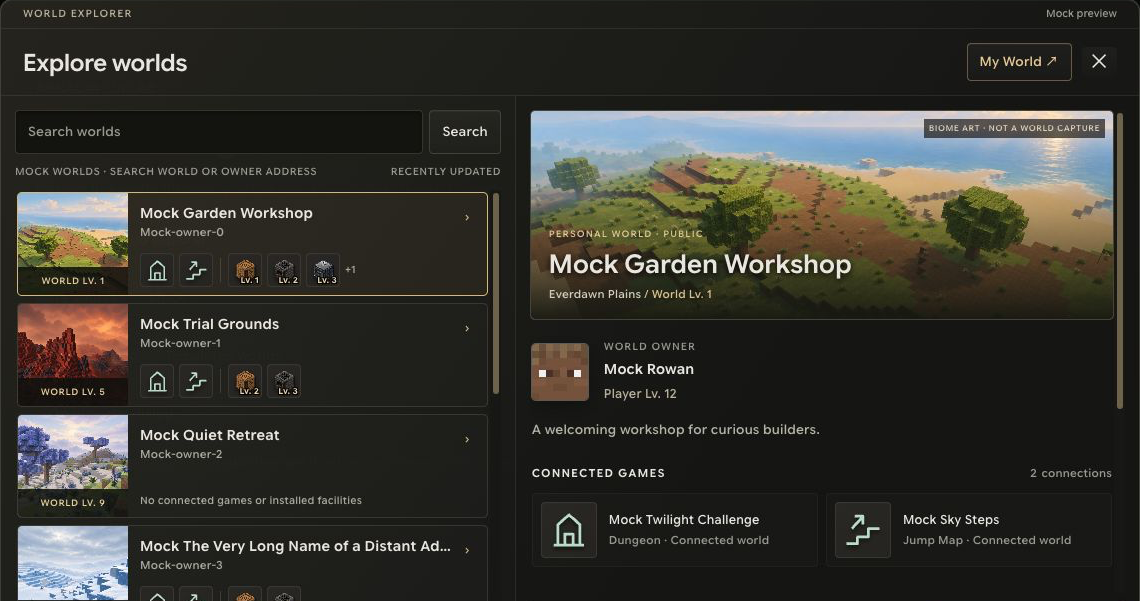
Three ideas to know
| World | Purpose |
|---|---|
| Hub | An operator-managed meeting and travel space |
| Personal world | A player’s own world, with visibility and visiting permissions |
| Game world | A world linked to a parent world for a designed game experience; playable modes are still being expanded |
A personal world is the foundation of your own place. Visiting does not automatically grant permission to change it.
Travel through a portal
Approach the relevant portal, choose an available destination and follow the entry prompt. The server checks the route, proximity, destination availability and access. A full, private or inactive destination can reject entry before departure.
Use hub routes shown in the game rather than assuming every personal world connects directly to every other one. If travel is rejected, read the message and choose another destination or try when its availability changes.
Returning after interruption
Reconnection and travel depend on the current world and session state. A card, saved address or old portal listing is not a guarantee that a destination is still available. See connection help.
Above ground and below
Beneath the surface are caves and underground places to explore. Monsters already inhabit the world; dark spaces and spawner areas can bring encounters with multiple enemies. Returning safely is part of the expedition. Read monsters and challenges and prepare equipment and a route home.