Inventory and item stacks
Keep the things you need close, and leave room for what you will find next.
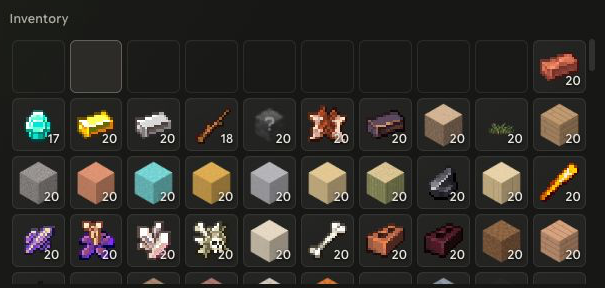
Move, split and combine
Move items between allowed slots. Right-click to split a stack. Distribute a picked-up stack across selected slots; the source participates when selected. Matching items combine only when their individual state and stack rules permit it.
The stack limit belongs to each item definition. There is no universal “every item stacks to 64” rule. Durability, enhancement and other individual state can prevent stacking.
Capacity and equipment
Inventory slot capacity and weight are separate limits. An empty slot does not guarantee that another heavy item will fit. A bag or other capacity source cannot be removed if doing so would leave occupied slots inactive or exceed the new limit.
Hot slots hold actual items; they are not copies. Equipping also moves an item into its equipment slot. Some item classes use their own storage rules.
Working at a facility
Facility inputs are server-managed slots shared by your character for that facility type, rather than an independent stash at every placed workbench. Double-click inputs to return them to compatible inventory stacks and then available slots.
Closing a facility does not guarantee that every input can return to a full inventory. Remaining materials must stay accounted for. See crafting and item help.