Login / Create Account
Akkadia uses mnemonics to sign in and manage accounts. You can create a new account or log in with an existing one using your mnemonic phrase.
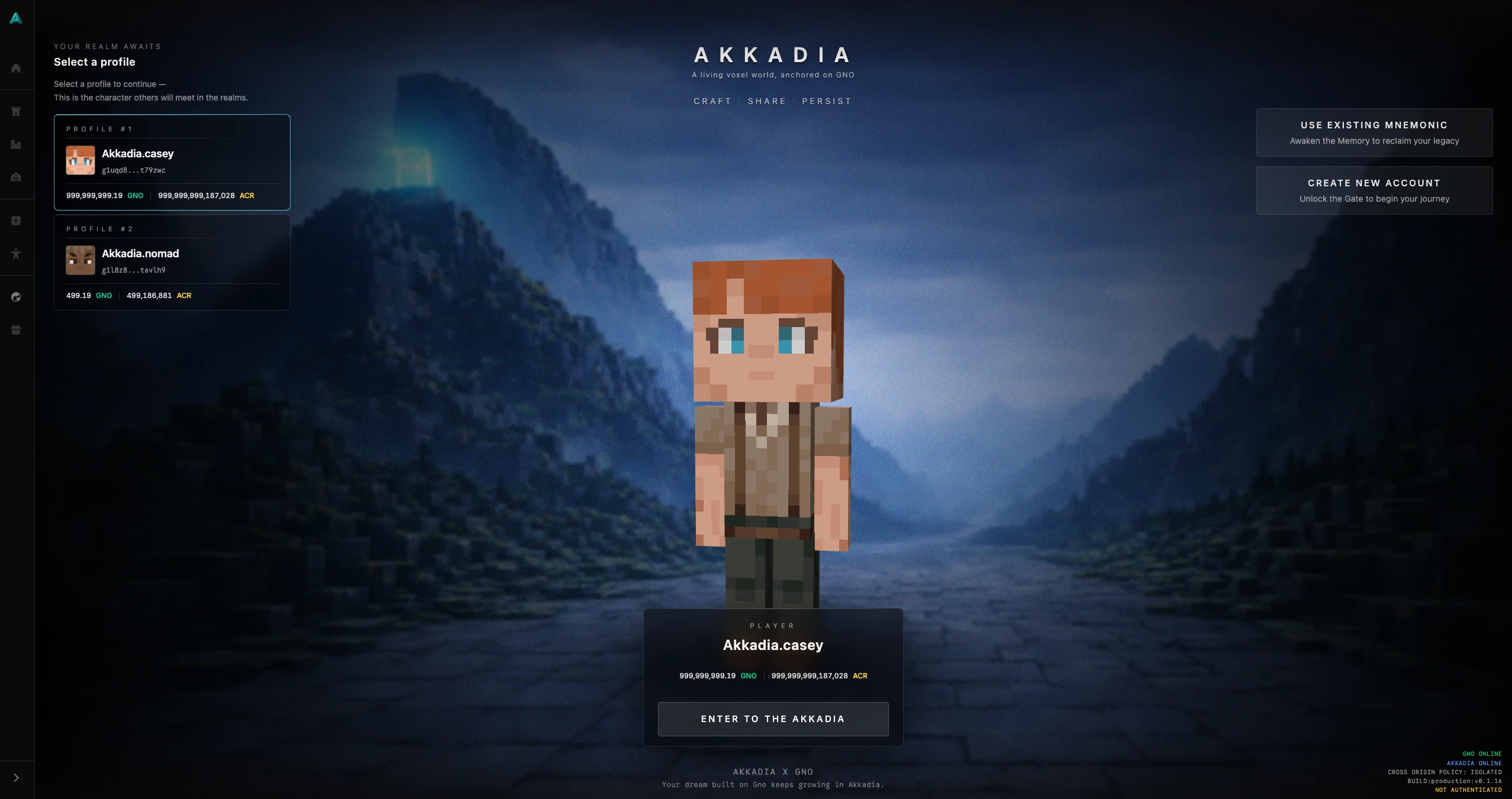
Creating a New Account
If you’re new to Akkadia, choose to create an account. The game will generate a mnemonic phrase for you. This phrase is the only way to recover your account.
Copy and store your mnemonic in a safe place. If you lose it, you cannot recover your account or any assets tied to it. The game cannot restore or reissue your mnemonic.
After creating an account, you can play using that identity. Your account is used to own Realms (Worlds), hold assets, and participate in the game—see the Realm (World) concept for how worlds work in Akkadia.
Logging In with an Existing Account
If you already have a mnemonic from Gno.land or a previous Akkadia account, you can log in by entering that mnemonic.
Make sure you are using the intended mnemonic. Each mnemonic corresponds to a single account. Entering a different mnemonic will log you in as a different account with its own Realms and assets.
Multiple Accounts
Players can create and use multiple accounts. Each account has its own mnemonic and is completely separate from the others—different Realms (Worlds), assets, and progress.
When you switch accounts by logging in with another mnemonic, you are switching to that account’s identity.