Join Realm
You can join Realms from Primary Realm, Personal Realm, and Community Realm. Each tab shows which Realms are available—browse the list, pick a world, and jump in to explore and play with others.
Browse and Join
Primary Realm, Personal Realm, and Community Realm each list Realms you can enter. Check the name, description, and slug to find a world you like, then join to enter that Realm.
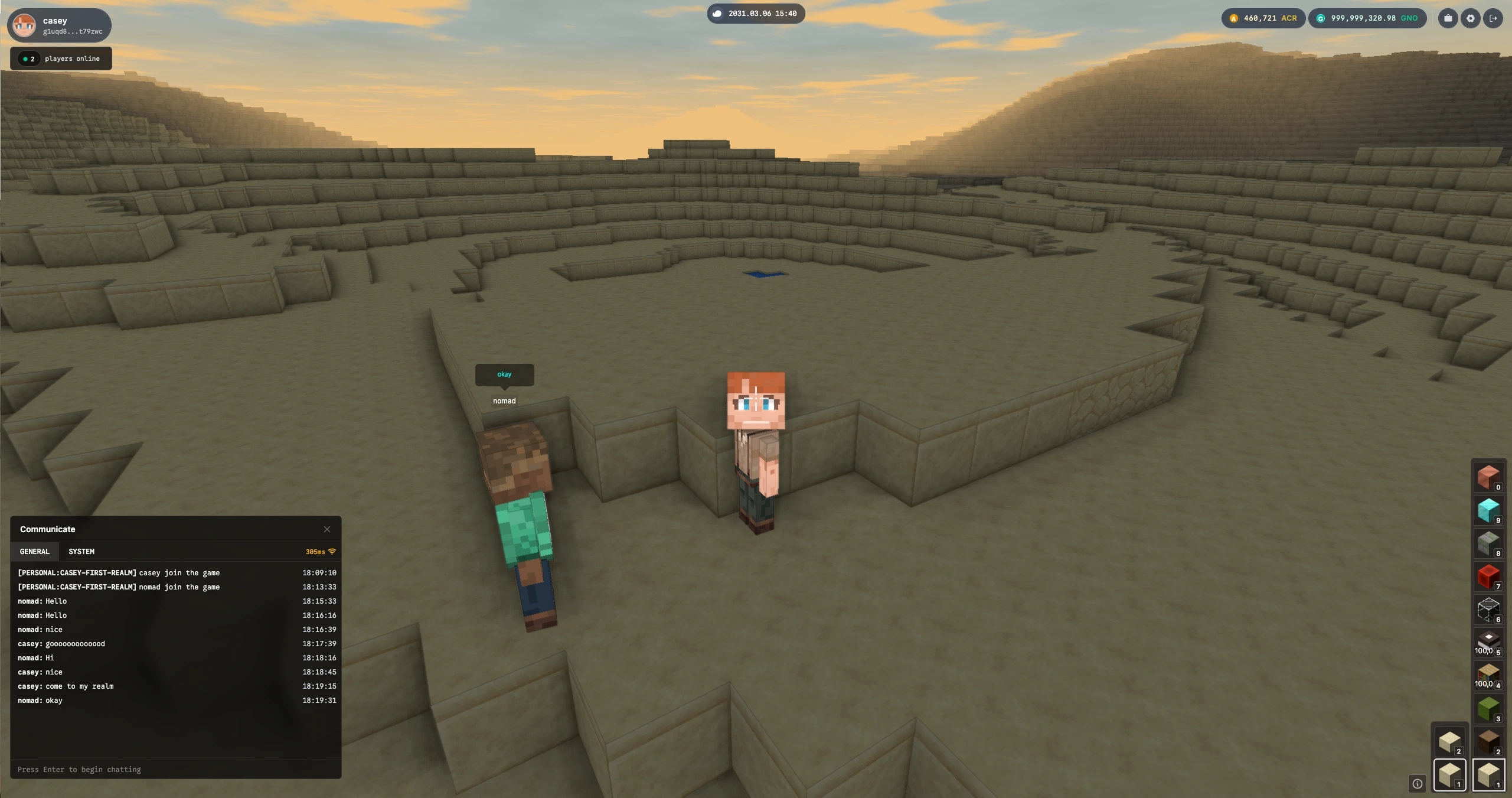
Once you’re in, you’re inside that world: walk around, explore the terrain and structures, and experience what that Realm has to offer.
Players and Chat
Inside a Realm, you can see who else is currently in that Realm. Open the player list to see everyone who’s there. Use chat to talk with them—ask questions, coordinate, or just hang out while you explore together.
Realms are shared spaces. Joining one means you’re sharing the same world with other players in real time.
Explore
Each Realm is a different world with its own biome, blocks, and builds. Explore—find landmarks, see what others have built, and leave your own mark if the Realm allows it. Have fun discovering what’s out there.
Learn more: Realm (World) · Chunk