Play Guide
Guides to get you started in Akkadia—from account and character setup to creating worlds and using contract blocks. Follow the steps below in order, or jump to the topic you need.
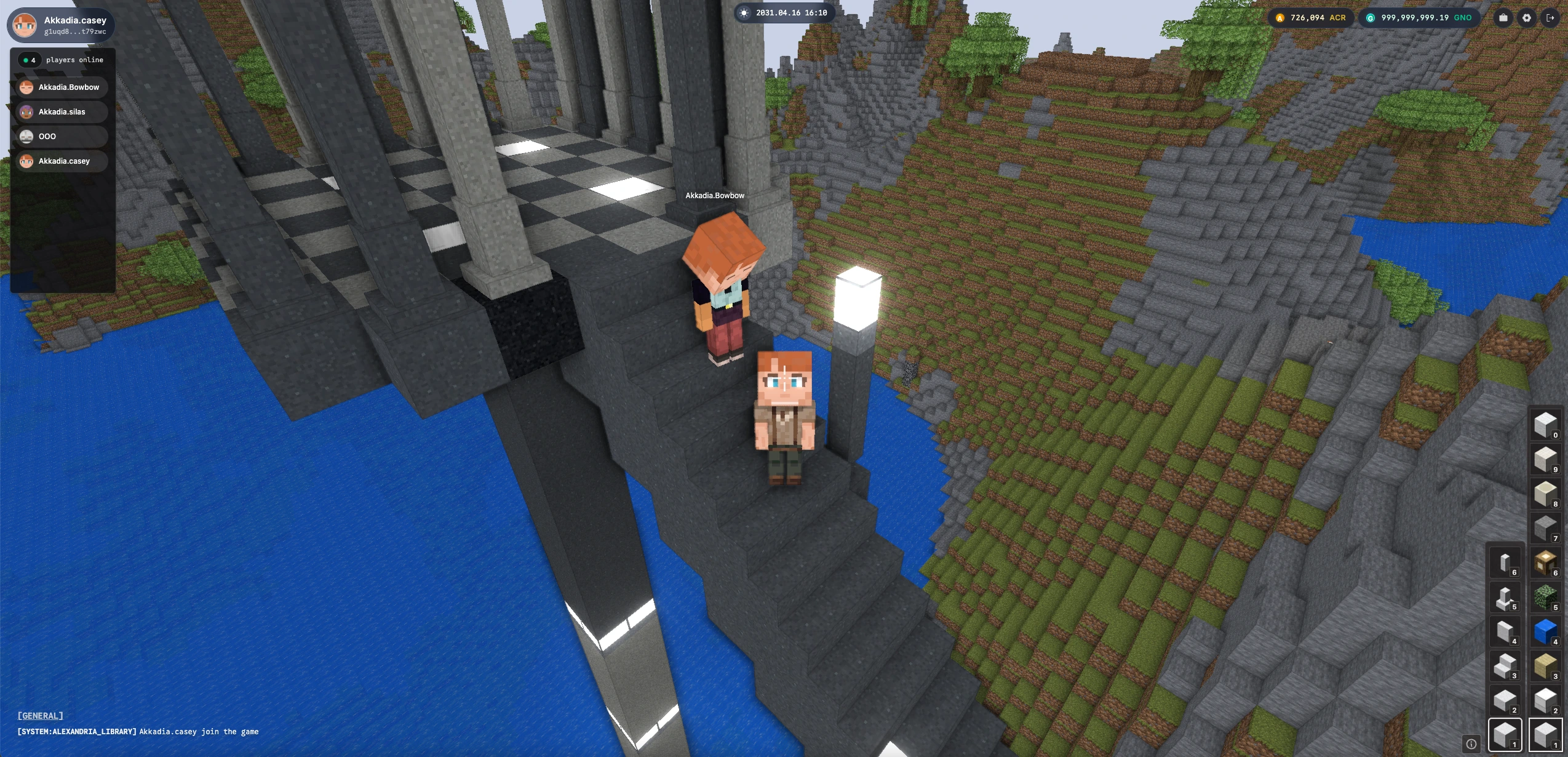
Get Started
-
Login / Create Account — Create an account with a mnemonic or log in with an existing one. Save your mnemonic safely; it’s the only way to recover your account.
-
Create Character — Customize your character’s appearance, set a nickname and introduction, and save your identity on-chain. You can edit them later.
-
Get Faucet Tokens — In alpha, receive 500 gno when you create an account. Use Get Faucet from the sidebar to request more (up to 1,500 gno total).
-
Personal Realm — Create your own Realm: choose a biome, set name and slug, then expand and edit it. Your world, your rules.
-
Join Realms — Join Primary, Personal, or Community Realms. Explore, meet other players, and chat with everyone in the same world.
-
Mint Contract Block — Buy contract blocks from the Shop, mint them, and place them in your Realm. Install, use, and remove—all on-chain.